When “quick” edits cost time and money
Every little thing you and your team do on a project costs time and money. Having to do that work twice, or to walk others through that work step by step, is repeating work that’s already been done, and spending money that could be better spent on creating new content. A designer should be designing, and a writer should be writing.
But work can require multiple revisions, with a long list of necessary changes. There’s certain information that must be included and thoroughly vetted to protect your team and organization. Even the most engaged of us can miss some of those minor, but crucial details. A deliverable might require dozens of edits, and we need to be able to check every single detail. It’s hard to keep all of that in your head at once, double-checking the quality of the information and completion of work.
Accountability and visibility are crucial for making sure the end product you’re creating crosses the finish line with everything it needs to be successful. RoboHead’s Version Compare feature and Highlight Changes, which are part of RoboHead’s robust suite of project management features, provide exactly the tools you need to make sure the work gets done, done completely, and done just once.
Accountability
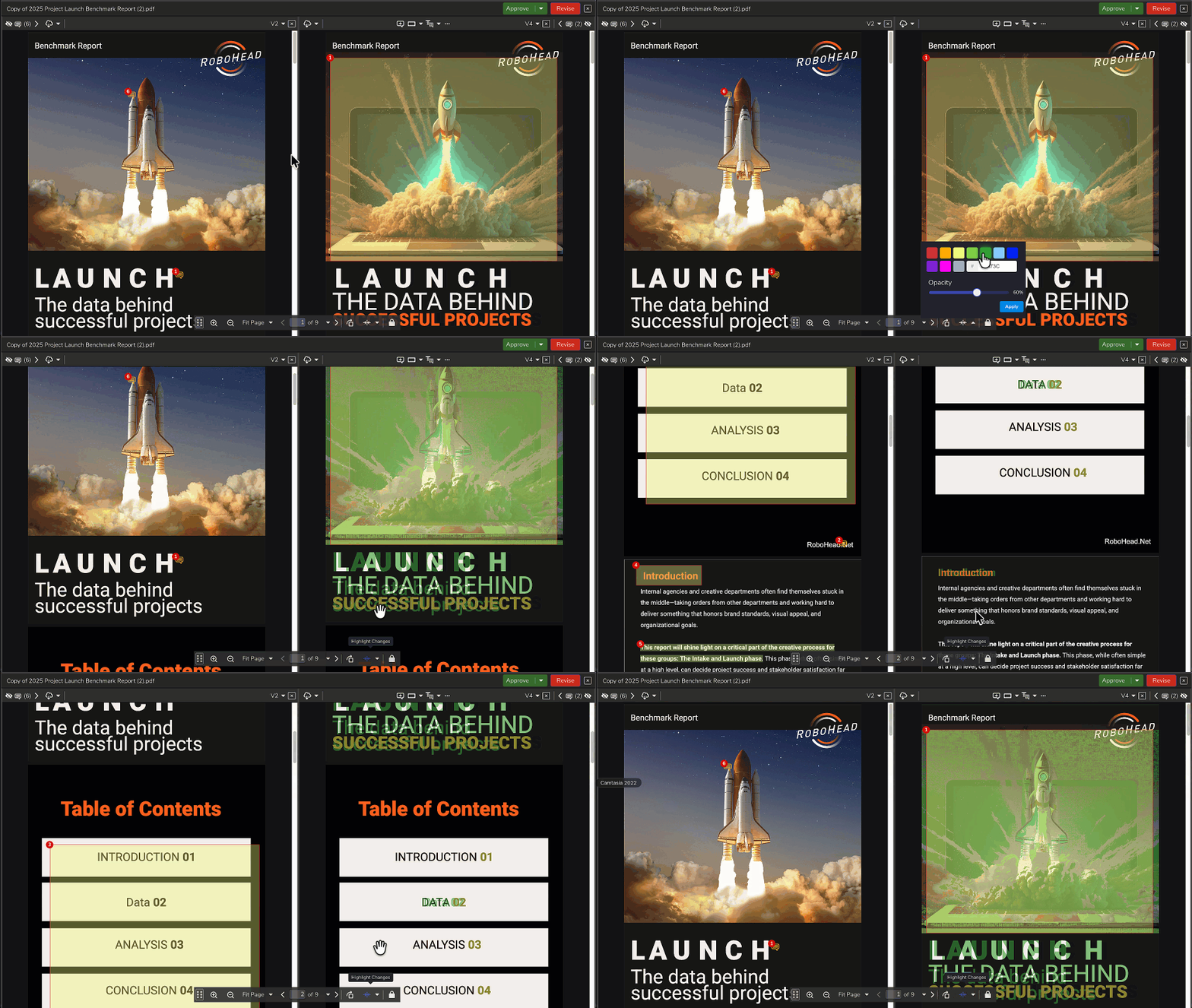
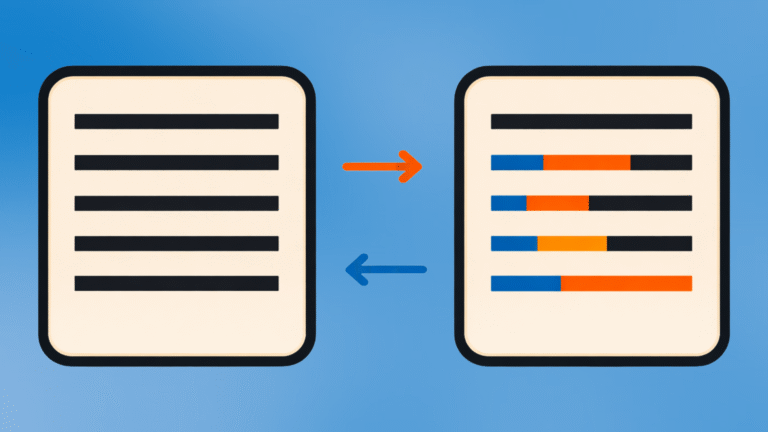
Our version compare feature lets you compare any two versions of a single file side by side. This can be great for an editor who wants to make sure their change requests were incorporated into the latest version. It can also be a useful way to demonstrate the work being done by your team when a given deliverable has gone through a bunch of review cycles and edits.
Comparing versions of a file in an ongoing project is useful for team members at every level. It can give a new team member a quick way to get caught up where the project has been so that they can focus on offering new ideas. It can be a reminder to a designer or copywriter what remains to be done.
Version Compare can display review comments for each version, allowing you to easily verify what changes were requested and exactly where.
Visibility
To make the job even easier, RoboHead’s review tool offers a Highlight Changes feature.
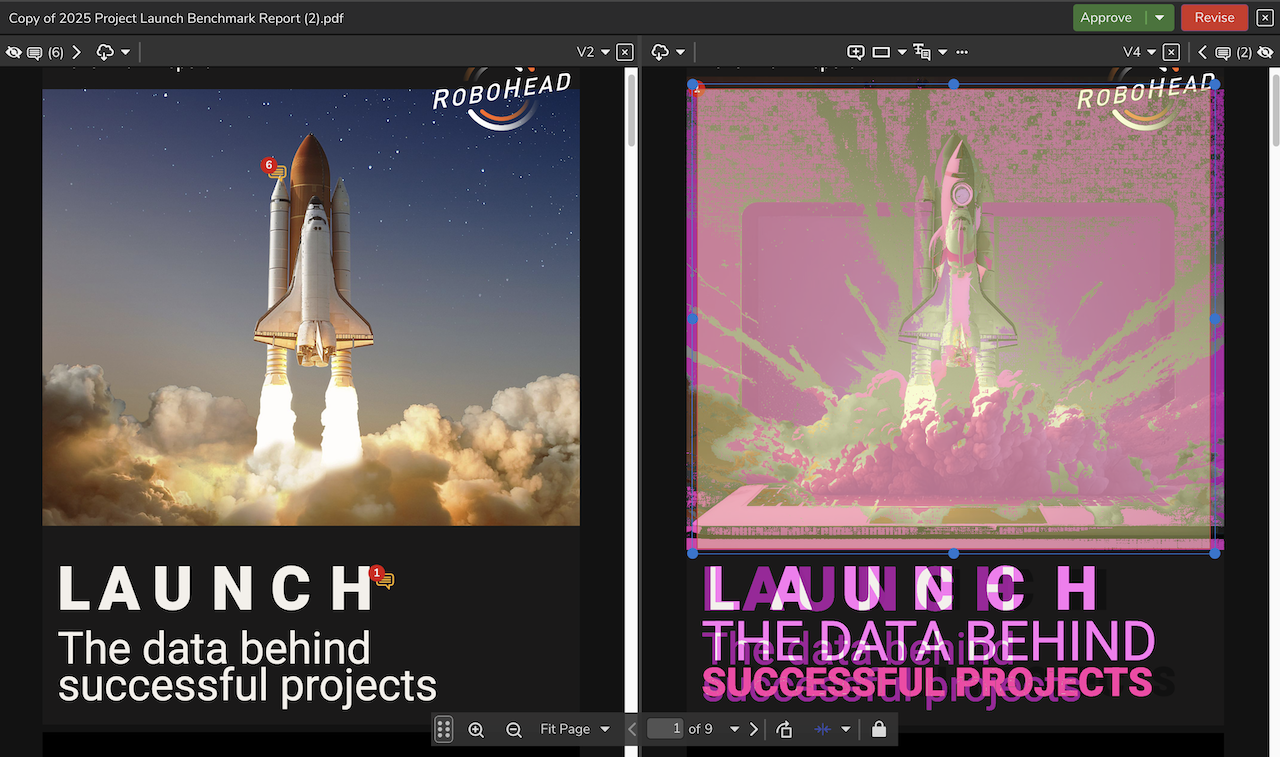
Highlight Changes will automatically call out any changes between the two selected versions, in a color of your choice. With little more than a quick glance, you can see where your team made changes to the latest version of a document. No need to spend time comparing a detailed piece of design work. Instead, you can focus on those highlighted changes to make sure they make sense for that document. In conjunction with those side-by-side review comments, you can be sure your team won’t miss a thing.
Related Features:
4 Ways to Speed Up Your Content Review Process

About the Author
Eric is the customer support specialist for RoboHead. In addition to being a friendly face behind our 24/7 support, he is also responsible for creating training and product materials. In his spare time, Eric enjoys cooking for his friends, writing, fixing computers, and gaming. He is also the owner of an orange cat.